Settings reference
Every SQLLens.AI configuration key — grouped, defaulted, and cross‑linked to the feature it affects.
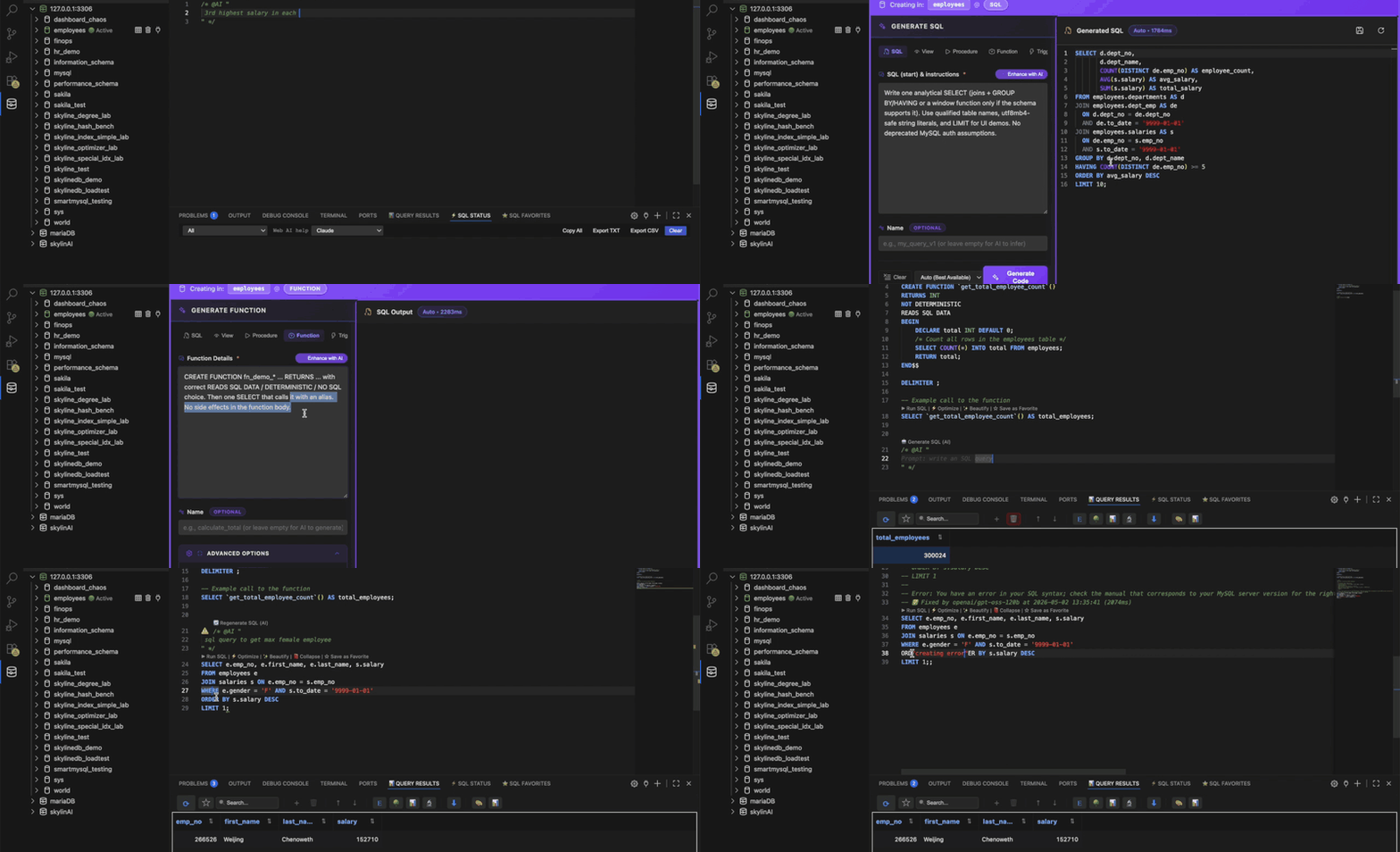
skyline-mysql.ai.* — AI generation and provider routing in the editor.
How to open settings
Open the VS Code Settings UI (Ctrl+, on Windows/Linux, ⌘+, on macOS). Search for skyline-mysql — every key below appears in the Settings editor under the SQLLens.AI contribution, grouped the same way you see it in the UI.
Defaults and enums may evolve with releases; use the in-editor settings UI after search for authoritative enum lists.
AI / LLM (skyline-mysql.ai.*)
| Setting id | What it does | Default / typical |
|---|---|---|
skyline-mysql.ai.enabled | Enable AI-powered SQL generation from natural language. | true |
skyline-mysql.ai.defaultProvider | Default AI provider (auto, openai, anthropic, ollama, custom, …). | auto |
skyline-mysql.ai.fallbackOrder | Provider order after routing (OpenRouter, Groq, Grok, …). | array in settings UI |
skyline-mysql.ai.preferredProvider | If set, tried first before fallback chain. | "" |
skyline-mysql.ai.enableUserLlmKeys | When true, your Secret Storage keys override bundled keys where set. | false |
skyline-mysql.ai.schemaContextMode | schemaOnly (structure only; no rows) vs none. | schemaOnly |
skyline-mysql.ai.includeSchemaContext | Legacy toggle — if false, no schema sent (overrides schemaContextMode). | true |
skyline-mysql.ai.maxSchemaItems | Maximum tables included in schema context. | 50 |
skyline-mysql.ai.sqlGeneration.freeTierEnabled | Integrated “free tier” routing (Groq-first, OpenRouter fallback, …). | true |
skyline-mysql.ai.sqlGeneration.integratedPreferGroqOnly | Integrated Cloud: prefer Groq · openai/gpt-oss-120b first. | true |
skyline-mysql.ai.sqlGeneration.preferCompactSchema | Send compact schema block for large databases. | false |
skyline-mysql.ai.sqlGeneration.domainPersonaPreset / domainPersona | Optional domain briefing in prompts. | preset / multiline text |
skyline-mysql.ai.sqlGeneration.includeExplanationComments | Allow model to add SQL line comments explaining logic. | true |
skyline-mysql.ai.openrouter.* | OpenRouter model, custom slug, max tokens. | see Settings UI dropdown |
skyline-mysql.ai.groq.model / skyline-mysql.ai.grok.* / openai.* / anthropic.* / ollama.* / custom.* | Per-provider endpoints, models and token ceilings. | per provider |
Concepts: LLMs & AI · Privacy: schema metadata only unless you disable schema context.
Execution, caching & results
| Setting id | What it does | Default / typical |
|---|---|---|
skyline-mysql.defaultSelectLimit | Default row limit appended to SELECT queries. | 1000 (10–100000) |
skyline-mysql.queryTimeout | Query execution timeout (ms). | 300000 |
skyline-mysql.enableResultCache | Cache schema metadata (tables, columns, …) for responsiveness. | true |
skyline-mysql.resultDisplayMode | panel (bottom panel) vs tab (separate editor tab). | panel |
skyline-mysql.cacheExpiration | Schema cache TTL (ms). | 300000 |
skyline-mysql.highlightSQLBlock | Highlight active SQL block in editor. | false |
skyline-mysql.preferConnectionName | Prefer connection label in UI (localized). | true |
skyline-mysql.disableSqlCodeLen | Disable SQL CodeLens row. | false |
skyline-mysql.debugExtensionTrace | Verbose extension tracing (investigations only). | false |
Editor, drag‑drop & JOIN completions
| Setting id | What it does | Default / typical |
|---|---|---|
skyline-mysql.dragColumn.insertAtDropPosition | Insert dropped column at cursor vs legacy WHERE append. | true |
skyline-mysql.dragColumn.insertionHighlightAnimation | Flash changed range after tree drop. | true |
skyline-mysql.dragColumn.debugLogs | Verbose column-drag logs. | false |
skyline-mysql.dragColumn.structuredSplitInsert | Structured clause-boundary insert on simple SELECT. | true |
skyline-mysql.dragColumn.clauseMode | automatic vs quickPick clause choice after drop. | automatic |
skyline-mysql.joinCompletions.useInformationSchemaCatalog | Build JOIN suggestions from INFORMATION_SCHEMA FKs. | true |
skyline-mysql.joinCompletions.showDeptEmpSubqueryBridge | Extra sample-DB bridges (employees DB). | false |
skyline-mysql.debugJoinPatternCompletions | Console logs for JOIN completion paths. | false |
Workflow: Autocomplete & JOIN helpers · Query builder.
Query Optimizer
| Setting id | What it does | Default / typical |
|---|---|---|
skyline-mysql.queryOptimizer.disableVisualExplain | Disable Visual Explain rendering in QO panel (tree/JSON remain). | true |
skyline-mysql.queryOptimizerVerboseIndexLog | After Analyze, pipe full index recommender pipeline to MySQL output channel. | false |
Tour: Query Optimizer (QO).
Performance Monitor & analytics
| Setting id | What it does | Default / typical |
|---|---|---|
skyline-mysql.analytics.debug | Verbose PM / profiler diagnostics in Output › MySQL. | false |
skyline-mysql.analytics.forceProcessListMode | Skip Performance Schema — use SHOW FULL PROCESSLIST only. | false |
skyline-mysql.analytics.metricsPollingIntervalMs | How often dashboards poll GLOBAL STATUS / InnoDB status. | 60000 |
Tour · diagnostics palette: #pm-diagnostics.
sqllens.ai / Skyline API
| Setting id | What it does | Default / typical |
|---|---|---|
skyline-mysql.skylineApi.enabled | When true, explorer / saved connections may require cloud sign‑in per product policy. | true |
skyline-mysql.skylineApi.baseUrl | API base URL (no trailing slash). | https://api.skylineai.app |
skyline-mysql.skylineApi.authPageUrl | Web login page URL. | https://www.skylineai.app/auth |
skyline-mysql.skylineApi.sendUsageEvents | POST usage metering events. | true |
Concepts · offline: Cloud & sqllens.ai.
Explorer visibility & themes / grammars
| Setting id | What it does | Default |
|---|---|---|
skyline-mysql.showUser | Show Users node under connection. | false |
skyline-mysql.showView | Show views. | true |
skyline-mysql.showQuery | Show saved-query nodes. | false |
skyline-mysql.showProcedure | Show stored procedures. | true |
skyline-mysql.showFunction | Show functions. | true |
skyline-mysql.showTrigger | Show triggers. | true |
SQL editor themes bundled with SQLLens.AI appear in Preferences → Color Theme. Optional · .es grammar is contributed for ElasticSearch‑style snippets; grammar activates when matching files open.
Keyboard overrides: Keyboard shortcuts → Customizing.