SQLLens.AI Product Docs
Everything you need to use SQLLens.AI inside VS Code or Cursor — from your first connection to deep performance tuning, AI-assisted SQL, and the cloud account.
What SQLLens.AI is
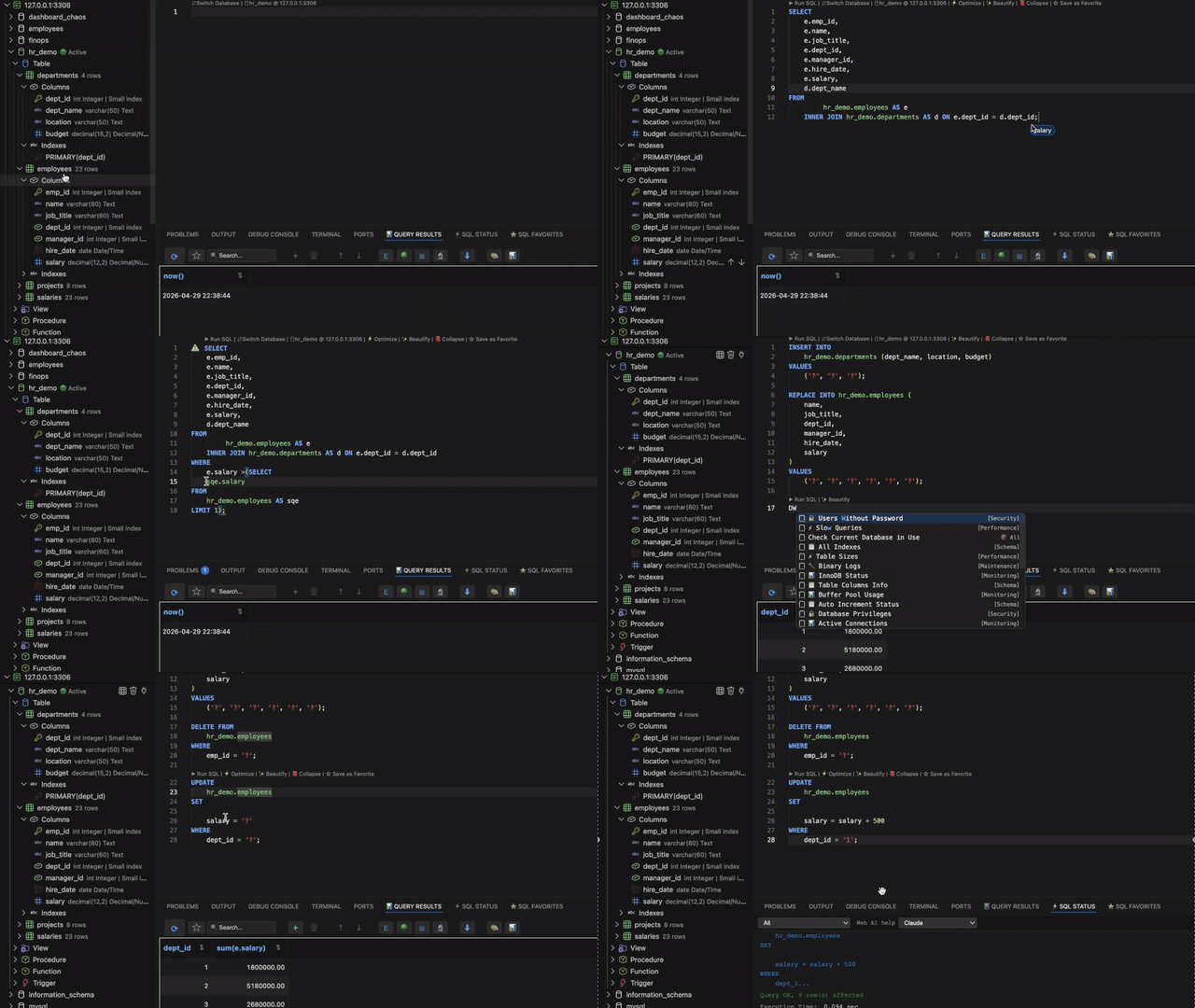
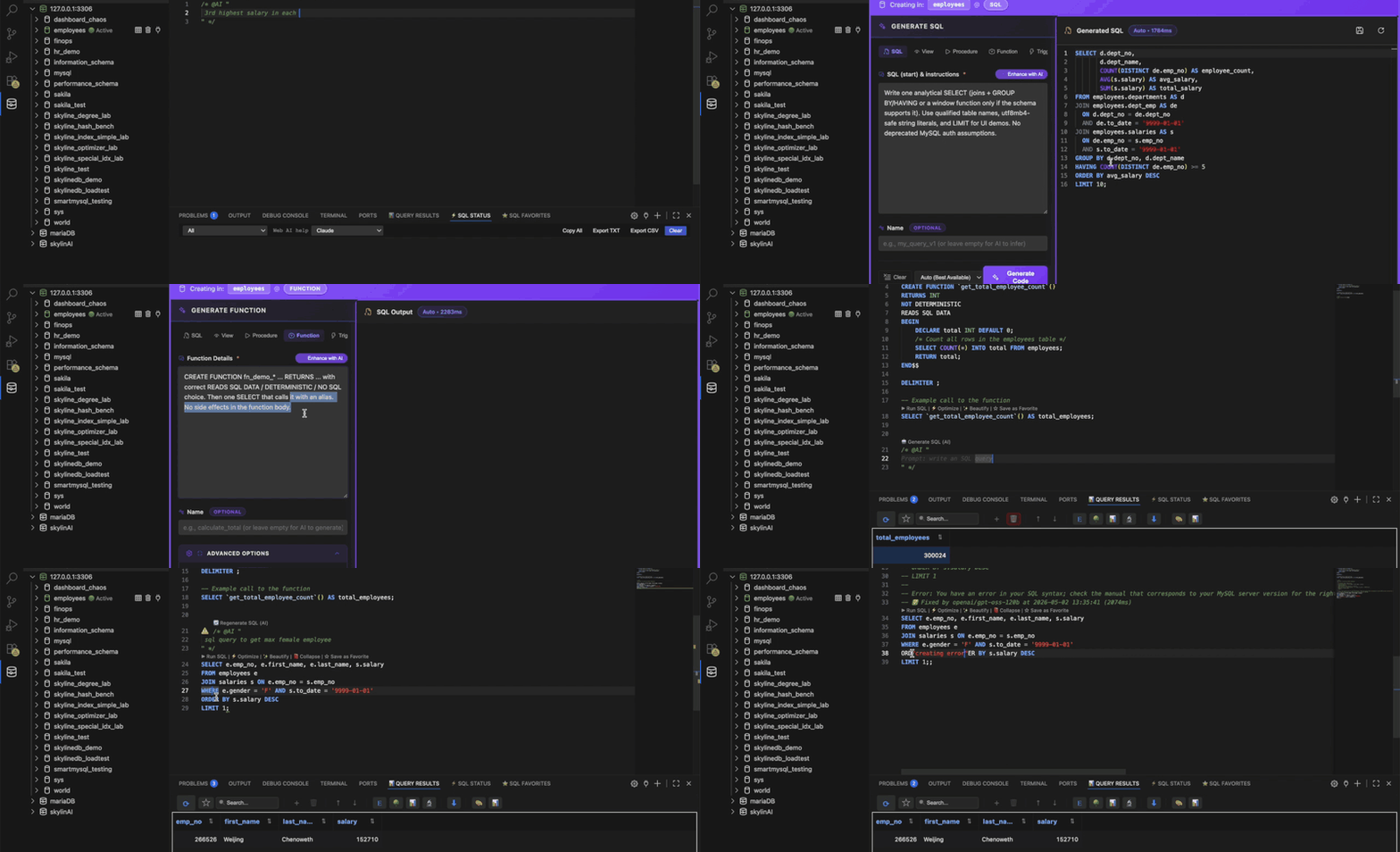
SQLLens.AI is a database workspace that lives in your editor. It connects to MySQL and MariaDB servers, gives you a fast SQL editor with autocomplete and CodeLens, a drag‑and‑drop query builder, a schema designer, and a suite of performance tools — the Query Optimizer (QO), Slow Query Log Analyzer (QLA), Performance Monitor (PM) and Query Profiler. AI features can generate, fix and explain SQL using the provider of your choice.
Get started
Install & first run
Install the extension and open the SQLLens.AI sidebar.
Connect a database
Host, port, credentials, SSL and SSH tunnels.
Cloud & sqllens.ai account
Optional sign-in powers cloud-backed AI routing and (if enabled in your organization) usage metering. You can run SQL, connections, and local LLMs entirely without an account—see offline / local-only mode.
Query Optimizer — AI index advisory
The Query Optimizer workbench now includes Index Strategy Studio on the Analyze panel: rule-based Index Engine suggestions, one-click AI Advisor (Auto), and on MySQL/MariaDB 3 AI compare (LLMs) — run up to three models in parallel, rank by consensus, and create the winning index DDL.
Index Strategy Studio
Three source tabs: Index Engine, AI Advisor, and multi-model compare.
AI Advisor
▶ Run Auto for a single LLM index recommendation with match vs engine.
3 AI compare (LLMs)
Pick three slots, Run consensus, ranked cards, Create Index on top picks.


MCP & AI database access
Let Copilot Agent, Cursor, and chat query your saved SQLLens connections — schema discovery, read-only SELECT, optional writes, and @sql / @sqllens participants. No manual MCP config inside the editor.
What it is
SQLLens registers as an MCP server; agents use your profiles safely.
@sql & @sqllens
Slash commands, schema, and SQL in fenced blocks.
Natural-language mode
Enable SQLLens in the tools picker; chain discovery and queries.

Explore the product
Roughly follow: workspace → query builder → schema & data tools → performance pillars (QO, QLA, PM, Profiler) → AI → settings & shortcuts → advanced diagnostics.
SQL editor & workspace
Explorer, per‑file DB context, CodeLens, favorites.
Query builder
Drag tables, smart JOINs, multi‑statement drops.
SQL autocomplete
@com / @dba, schema IntelliSense, JOIN ON, favorites.
Schema & database objects
DDL from the tree, table designer, users and privileges.
Data import, export & schema tools
Import, export, sync, documentation, copy structure, scripts.
Query Optimizer (QO)
Visual Explain, Index Strategy Studio, AI Advisor, 3 AI compare.
Slow Query Log Analyzer (QLA)
Load digest or slow logs, Optimize All, Create Indexes + Validate.
Performance Monitor (PM)
Live dashboards, Profiler, locks, replication, index hygiene.
Query Profiler
Profile a session, read stage timings.
LLMs & AI
Generate, fix and explain SQL with your provider.
MCP & AI database
@sql, @sqllens, Agent tools, saved connections, read-only default.
Settings reference
Every skyline-mysql.* key, indexed.
Keyboard shortcuts
Defaults and how to override.
Mock & diagnostics
Mock JSON runner, mock tables, diagnostic palette.
Next steps & links
New to SQLLens.AI? Go to Get started, then Connect a database. With a live connection, read SQL editor & workspace for day-to-day editing, run, and favorites.
Outside these docs: VS Marketplace · GitHub · Issues · skylineai.app · hello@skylineai.app